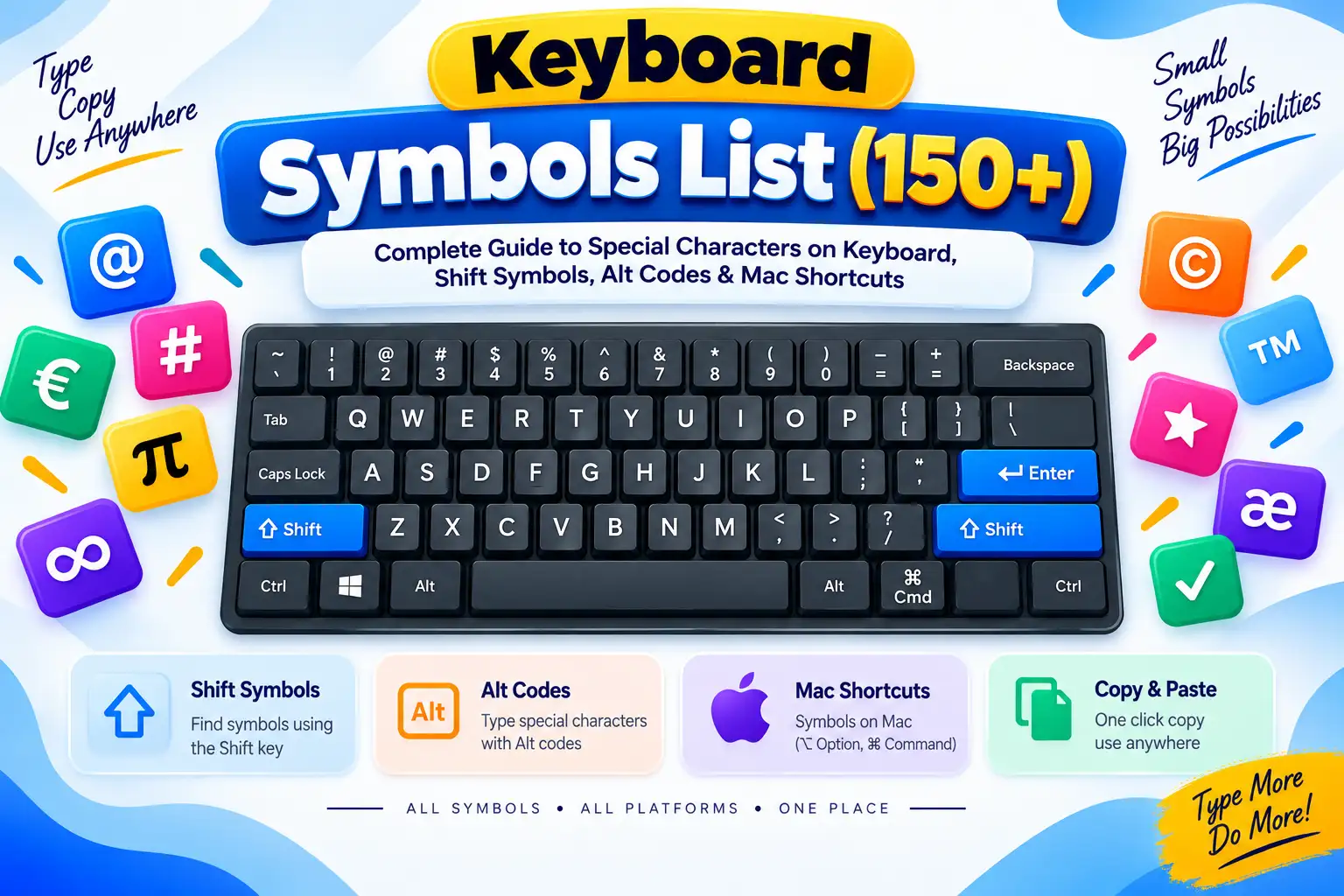
What Are Keyboard Symbols and Special Characters?
On modern computing hardware, keyboard symbols encompass all non-alphanumeric typographical signs, diacritical marks, structural enclosures, mathematical operators, and technical modifier glyphs accessible through direct keystrokes or modifier key combinations. While the standard English alphabet (A through Z) and Arabic numerals (0 through 9) form the core of everyday prose, symbols on keyboard hardware are the fundamental syntactic building blocks of computer programming, mathematical notation, data serialization, shell scripting, and expressive digital communication.
Standard computer keyboards across the globe originate from the mechanical typewriters engineered in the 1870s by Christopher Latham Sholes. When computer terminals evolved during the mid-20th century, the US QWERTY layout was codified under ANSI/ISO standards to establish universal key placements. Behind every keycap lies a hardware scan code, converted by your operating system kernel (Windows, macOS, Linux, Android, or iOS) into a digital character code according to the Unicode standard.
Shift Key Symbols
Secondary characters paired above standard numbers:
- Access Method: Depress and hold Shift while striking 1 through 0.
- Key Glyphs: Exclamation (
!), At sign (@), Hash (#), Dollar ($), Percent (%), Caret (^), Ampersand (&), Asterisk (*).
Structural Enclosures
Paired brackets determining syntactic containment:
- Language Grammar: Parentheses
()for function calls and algebraic precedence. - Code & Data: Square brackets
[]for zero-indexed array access; curly braces{}for code blocks and JSON dictionaries.
Developer Punctuation
Specialized tokens governing system logic:
- Paths & Escapes: Forward slash (
/) for web URLs; backslash (\) for escape sequences (\n,\t). - Pipes & Templates: Vertical bar (
|) for shell IPC; backtick (`) for ES6 template literals.
Alt Codes & Mac Keys
Extended symbols beyond basic keycaps:
- Windows Alt Codes: Numeric keypad input for copyright (
Alt+0169©), euro (Alt+0128€), and degrees (Alt+0176°). - Apple macOS: Hardware symbols for Command (
⌘), Option (⌥), Shift (⇧), and Control (^).